


Dance Image Editor
Prepare a full-body photo for your next dance video. Upload a person, baby, or pet, choose an edit, and preview the result.
A clear photo is all you need.
Photo preview
View allGive the whole body room to move
Upload a photo to start. Your edited image will appear here.
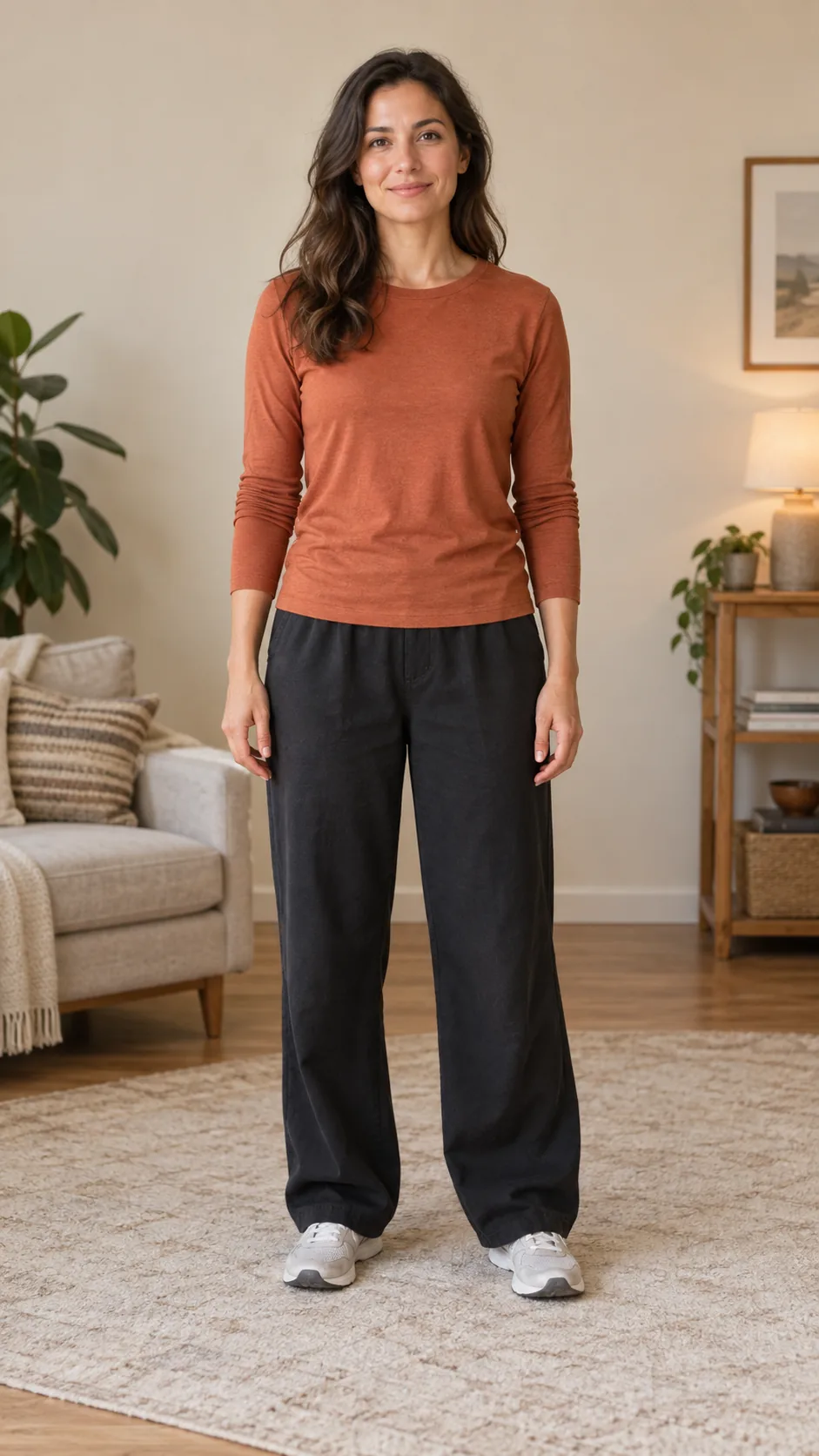 Half-body cropFull-body framing
Framing illustration using the same photo.
Keep the face clear and leave space around the body.
From photo to dance, in three steps
- 01
Upload one photo
Choose a clear person, baby, or pet photo. Keep the main subject easy to identify.
- 02
Prepare and compare
Expand the frame, simplify the background, or improve clarity. Compare the result with your original.
- 03
Make it dance
Use in Dance carries your edited photo into the matching tool. Choose a motion template to continue.
PLANS & PRICING
Subscribe for regular creation or pick a credit pack for occasional projects. Every plan includes all available models, with the credit cost shown before you generate.
Lite
For first ideas and lighter creative routines.
$99.00 billed yearly
12,000credits / year, issued upfront
$0.83 per 100 credits
Up to 200
Up to 800
Maximum at 60 credits/video and 15 credits/image. Actual use varies by model and settings.
Full annual credit allowance issued upfront. Cancel next year’s renewal anytime.
- Secure checkout powered by Stripe.
- Full card details are never shared with ReelMuse.
- Full refund within 3 days if purchased credits are unused. Refund policy
Every plan includes
- All available video models
- Text, image, and video inputs
- Credit cost shown before generation
- No ReelMuse watermark
- Commercial use with rights to your inputs
Pro
For regular posts and personal projects.
$299.00 billed yearly
42,000credits / year, issued upfront
$0.71 per 100 credits
Up to 700
Up to 2,800
Maximum at 60 credits/video and 15 credits/image. Actual use varies by model and settings.
Full annual credit allowance issued upfront. Cancel next year’s renewal anytime.
- Secure checkout powered by Stripe.
- Full card details are never shared with ReelMuse.
- Full refund within 3 days if purchased credits are unused. Refund policy
Every plan includes
- All available video models
- Text, image, and video inputs
- Credit cost shown before generation
- No ReelMuse watermark
- Commercial use with rights to your inputs
Studio
For frequent creation across multiple projects.
$499.00 billed yearly
72,000credits / year, issued upfront
$0.69 per 100 credits
Up to 1,200
Up to 4,800
Maximum at 60 credits/video and 15 credits/image. Actual use varies by model and settings.
Full annual credit allowance issued upfront. Cancel next year’s renewal anytime.
- Secure checkout powered by Stripe.
- Full card details are never shared with ReelMuse.
- Full refund within 3 days if purchased credits are unused. Refund policy
Every plan includes
- All available video models
- Text, image, and video inputs
- Credit cost shown before generation
- No ReelMuse watermark
- Commercial use with rights to your inputs
Pay safely and securely with


Dance Image Editor FAQ
- 1
Do I need to write a prompt?
No. Upload a photo and choose the edit you need. The model uses the image to identify the subject; additional instructions are optional.
- 2
Can it restore missing legs or paws?
Full-body editing can generate missing areas from the visible photo. These are reconstructed details, so check proportions and identity before using the image.
- 3
Which model and how many credits?
The default is GPT Image 2. You can switch image models and output settings; the generation button shows the credit cost before you start. Dance video generation is a separate task.
- 4
Where does my edited photo go?
The image is saved in Generate. Download it or choose Use in Dance to carry it into the person, baby, or pet dance tool.
Prepare the photo. Then make it dance.
Start with a clear subject and a little room to move.